EDH Pocket · iPhone & iPad · Out now

The engineering desk that fits in a pocket.

54 Eurocode first-pass calculators with full working, a 3D frame solver, an IFC viewer, the reference tables and a 287 note knowledge library. All of it runs on the phone itself.

Works offline No account On-device AI

Free to download 14-day free trial, then EDH Full Access at £4.99 / month or £49.99 / year.

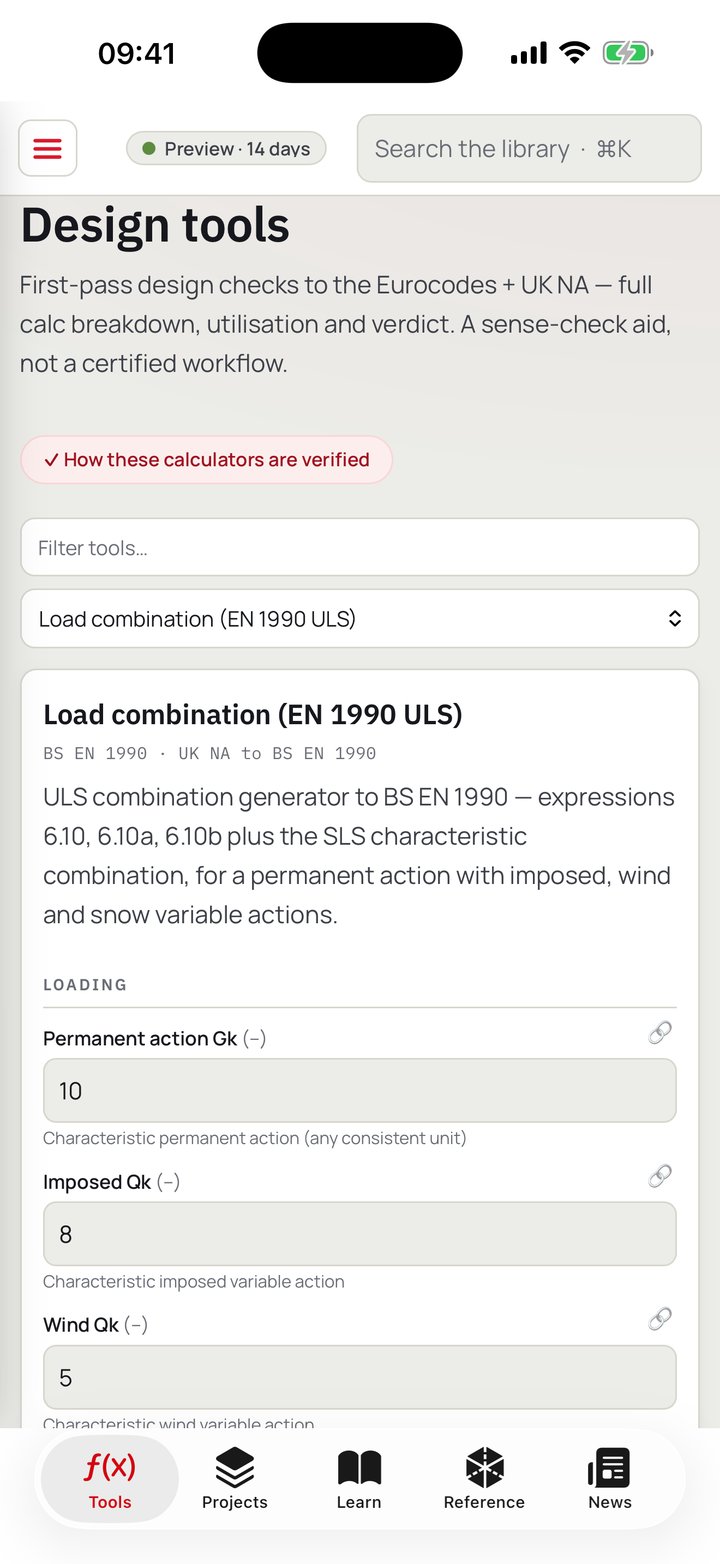
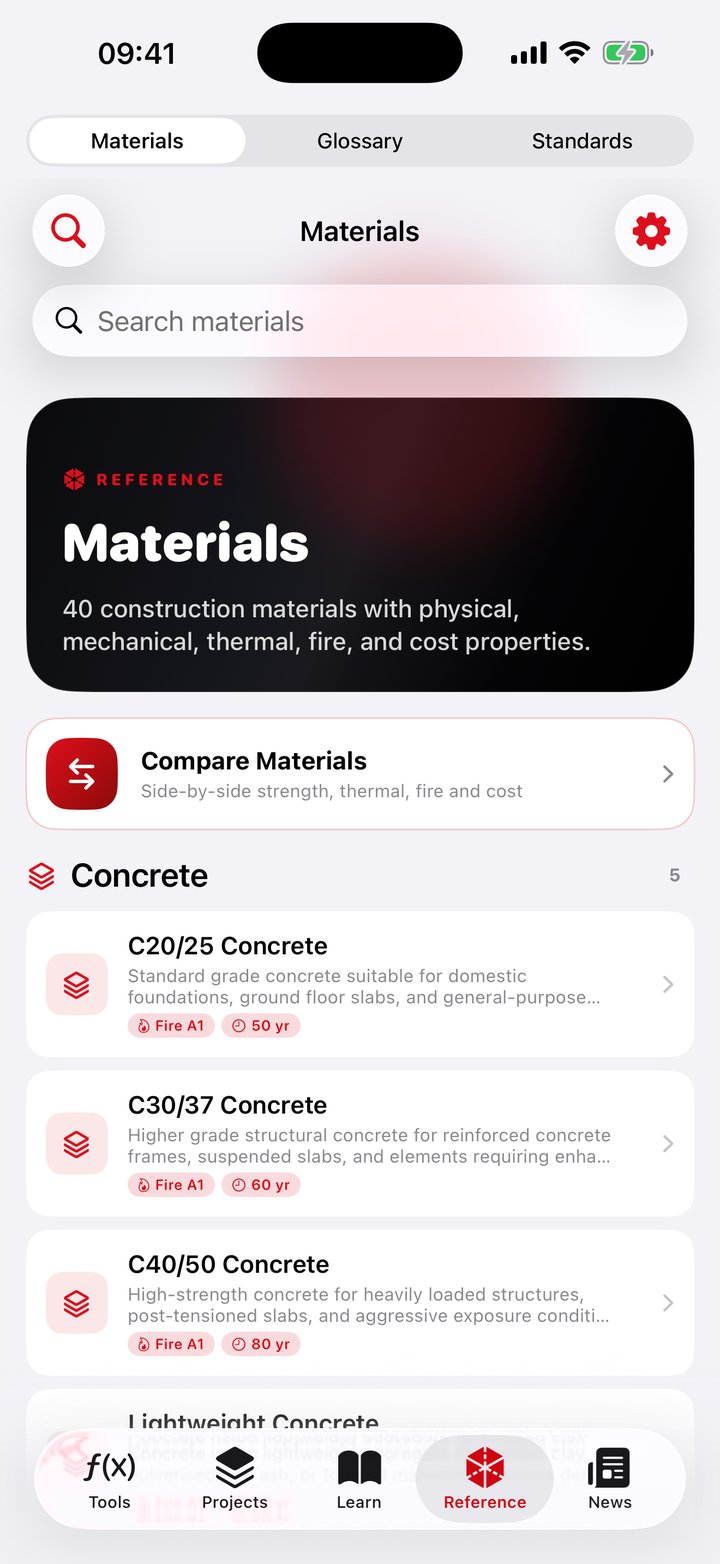
The tools screen in EDH Pocket, listing the Eurocode design calculators by material Reference tables in EDH Pocket showing steel section properties
54Eurocode first-pass calculators
188individual design checks across them
2,053steel sections in the reference tables
287engineering knowledge notes
214ready-made engineering AI prompts

The calculators

Fifty-four tools, and the evidence behind them.

Written to the Eurocodes and their UK National Annexes, grouped by material. Each produces a full calculation sheet rather than a bare number, and each has been re-run against a separate implementation of the same equations.

  • Steel (15), concrete (9), foundations (9), loads (9), timber (5), masonry (3), civils (2), dynamics (1) and sustainability (1)
  • Every sheet names the standard it follows in the header and the clause against each individual check, with the formula written out and the numbers substituted
  • A calculator cannot report a pass when a limit state it is responsible for could not be evaluated. The engine downgrades the verdict to NOT CHECKED rather than staying quiet
  • All 54 were reproduced check by check by an independent implementation, and all 54 are covered by 77 hand-worked cases
  • A result from one calculator can be bound as the input to another, so an end reaction flows from beam to padstone to column and re-runs when the beam changes. A cross-dimension conversion is refused rather than guessed
  • Save and print a stamped calculation record, with a calc reference, revision and status, then reprint it later
  • Two calculators run free, the steel beam and the RC beam, so you can judge the engine before paying
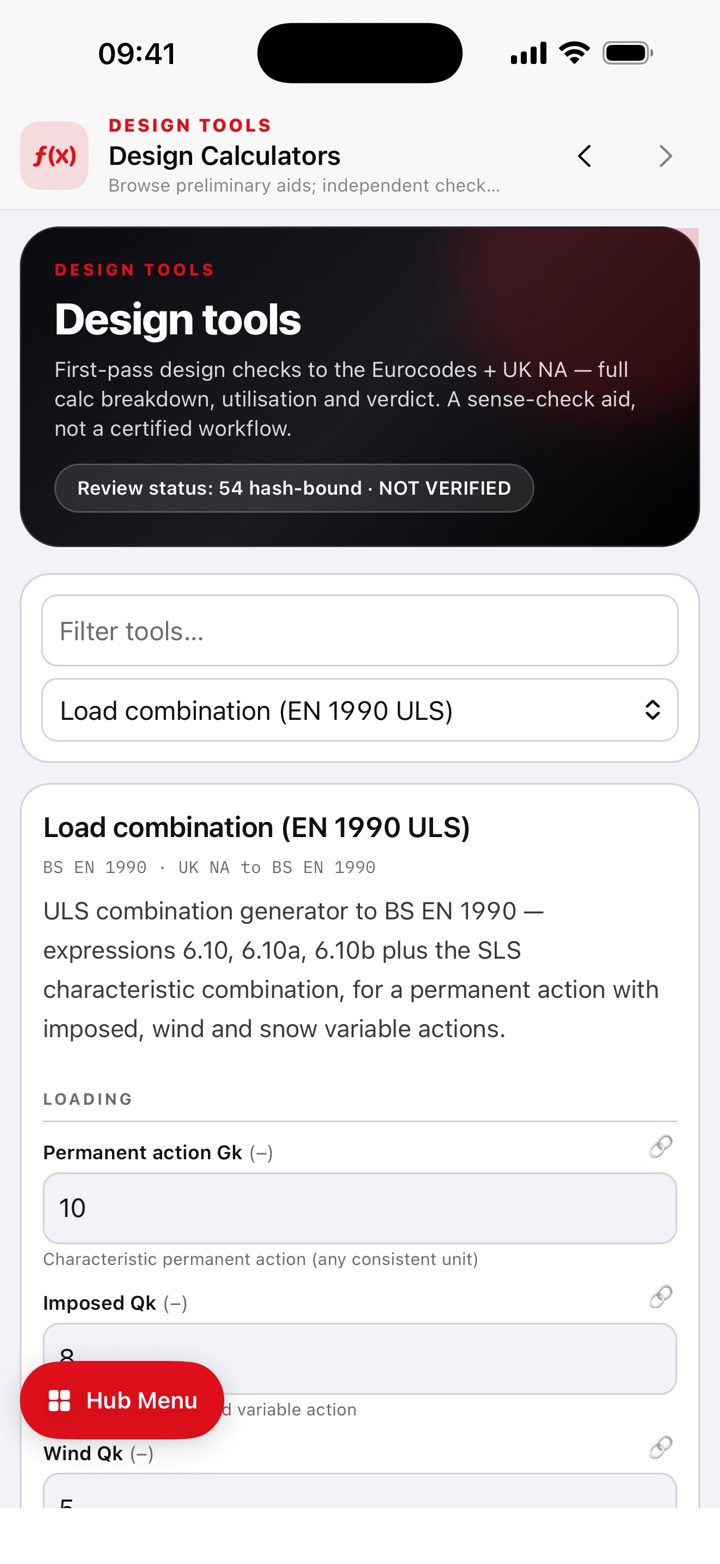
A design calculator in EDH Pocket showing inputs and a full calculation sheet

Full working, the clause against every check, and a clear verdict.

The frame solver

A 3D solver that tells you what it will not do.

A real direct-stiffness frame solver, not a beam formula in disguise. It is deliberately scoped, and the app states the scope on the screen rather than in the small print.

First-order linear elastic

3D frames using 12 degree of freedom prismatic Bernoulli-Euler beam-column elements, solved on the device with nothing uploaded.

Limits you can see

50 nodes, 100 elements, 60 sections, 30 materials, 50 supports, 200 loads. Fixed, visible, and stated before you start rather than discovered at the end.

It reports its own health

The solve residual is shown alongside the results, so you can see whether the numbers are trustworthy rather than taking them on faith.

Eighteen sample frames

Bundled with it, so there is something real to solve on the first run. Build your own with guided inputs or edit the model directly, validate before running, then save a full PDF report.

Reference

The tables you reach for when there is no Blue Book in the van.

All of it is bundled inside the app, so it works with no signal at all.

  • 2,053 steel sections: 327 UK, 108 EU and 1,618 US rows, with area, second moments, elastic and plastic moduli, radii of gyration and torsion constant
  • 74 rows of timber data: BS EN 336 sawn sizes, CLS and regularised sizes, EN 338 softwood and hardwood strength classes, EN 14080 glulam, plus US lumber and glulam
  • 63 rows of concrete reinforcement data: BS 4449 bar sizes, area per metre at spacing, BS 4483 mesh, EN 1992 strength grades and nominal cover by exposure class
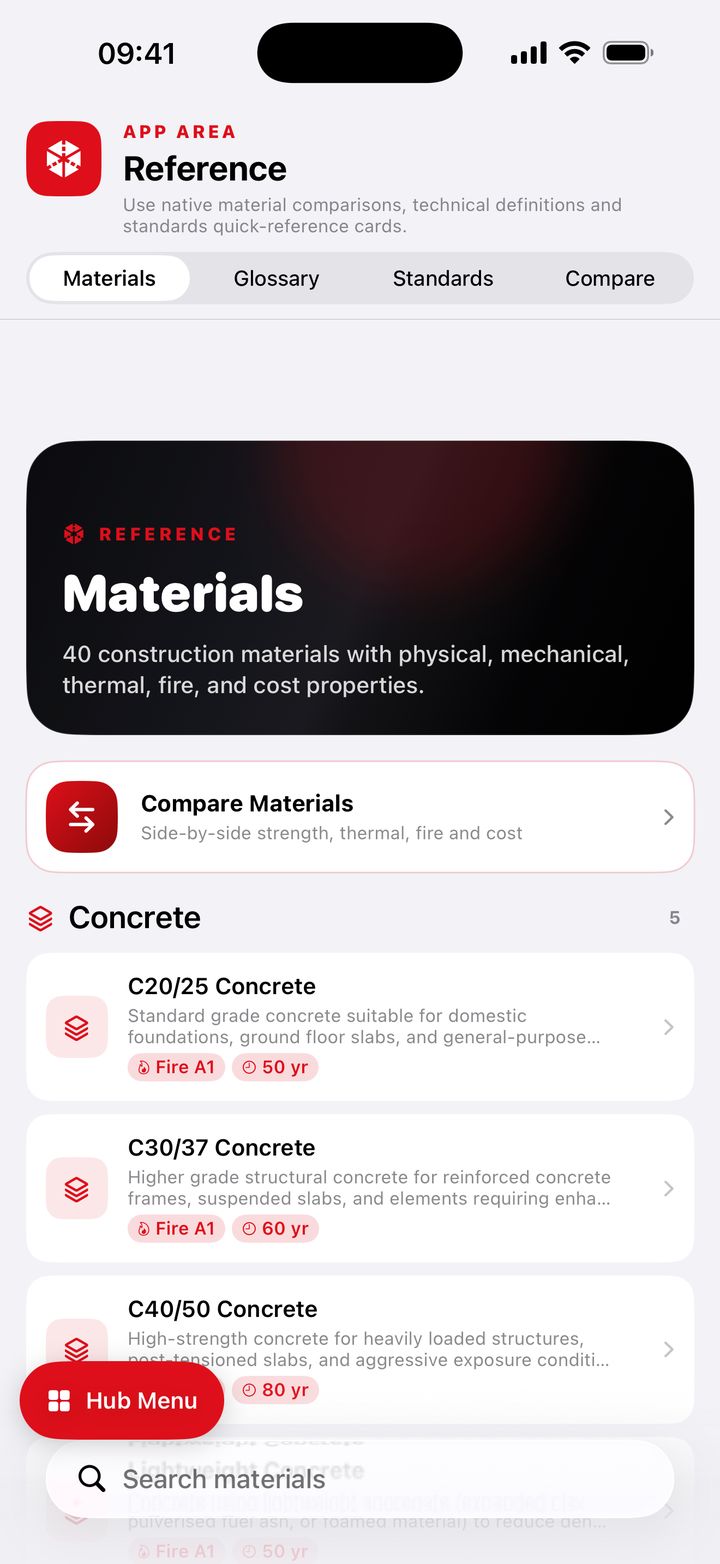
  • 40 materials in 8 categories, with a side by side compare screen
  • 102 glossary terms, which stay reachable without a subscription, plus your own terms with an optional AI-drafted definition you edit before saving
  • Ten standards quick-reference cards: ISO 19650, PAS 2080, RIBA Plan of Work, BREEAM, Passivhaus, the Building Safety Act 2022, the Future Homes Standard, the UK Net Zero Carbon Buildings Standard, the Construction Playbook and RICS NRM
Steel section reference tables in EDH Pocket

Your own work

Notebooks, drawings and project records.

Records live in a native store on the device, sync through your own private iCloud, and stay readable and exportable whether or not the subscription is live.

Two notebooks, one editor

A Knowledge notebook, and a Site Visit notebook that adds client, repeatable attendees and per-photograph provenance. Sketch with Apple Pencil or a finger on any note, add photographs, export as an A4 PDF.

Photographs that know where they were

A photograph taken in the Site Visit notebook records where it was taken, reverse-geocoded on the device, and is still saved if location is unavailable.

Three registers on one screen

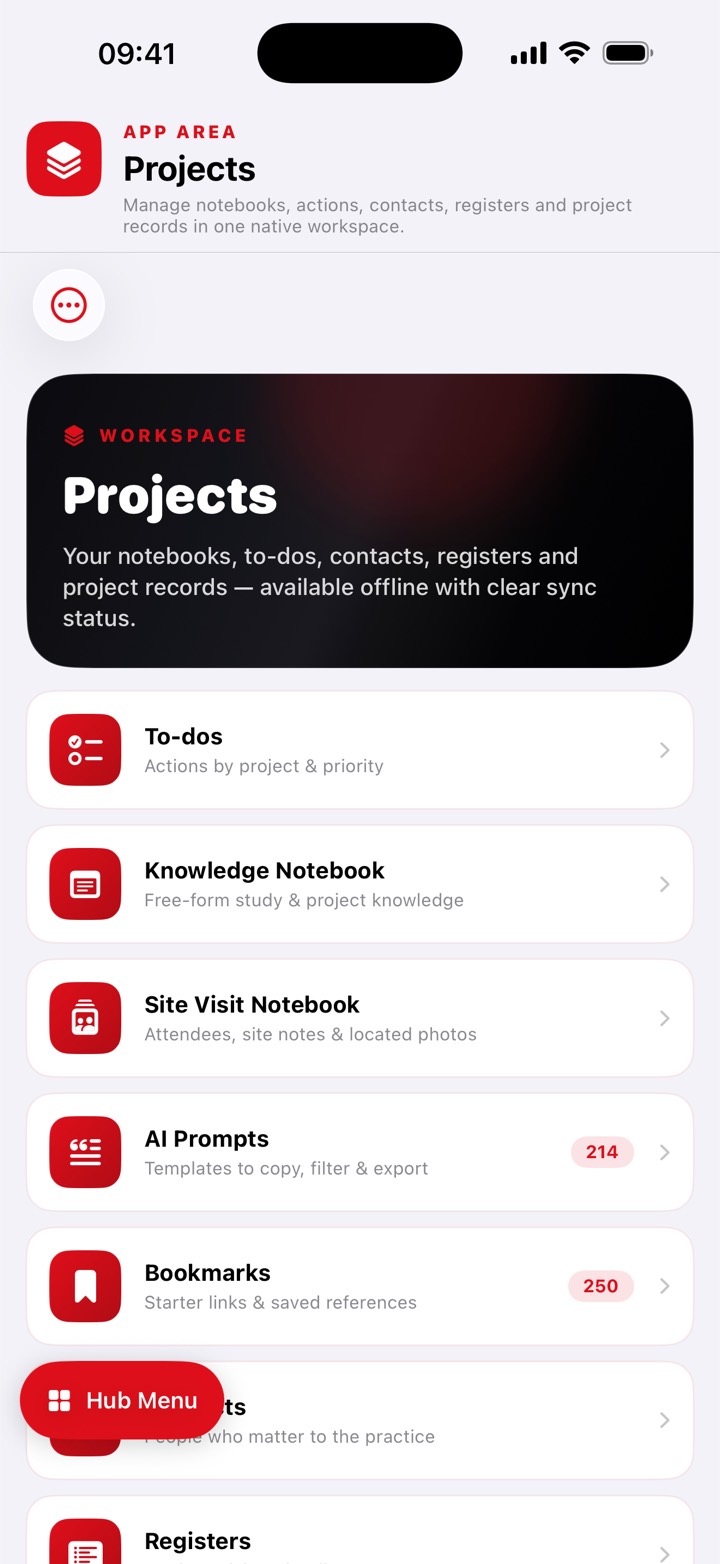
RFI and TQ, Risk, and Site diary, alongside to-dos, contacts, bookmarks and a record of projects.

PDF markup and revision compare

Eleven tools including pen, shapes, highlight, text and stamps, with six line weights, undo and zoom. Put two revisions side by side to spot what moved.

IFC models on the phone

Orbit in 3D, tap an element for its properties, browse the spatial tree, isolate or hide. Up to 50 MB, parsed locally with no upload.

Text off a photograph

Scan text from a site photo or a scanned page on the device, edit it, and save it as a note. Nothing is sent anywhere to do it.

ISO 19650 file naming

Create a project from a bundled CDE folder template, browse the folder tree, and build compliant file names against it rather than from memory.

One portable archive

Export the whole app as a single .edharchive package, and restore from one. Records also sync between your own iPhone and iPad through your private iCloud database.

Artificial intelligence

On the device, or not at all.

The assistant is Apple's on-device foundation model with a UK chartered-engineer brief, not a call to somebody's API. Nothing typed into it leaves the phone.
  • Briefed as a senior UK chartered civil and structural engineer, told to give the governing clause where it can, and to remind you to verify every figure against the current code and National Annex
  • Prompts and answers never reach us, because there is nowhere for them to go
  • When Apple Intelligence is unavailable the app names the actual reason: device not eligible, Apple Intelligence switched off, or the model still downloading
  • Ask it to sense check a calculation you have just run, with the prompt built from the real result. If the model is unavailable, the prompt is copied for you instead
  • 214 ready-made engineering prompts, foldered by discipline and seniority, for whichever AI you already pay for
  • Ask My Notes searches your own notebooks on the device, shows you the passages it matched, and assembles a grounded prompt
  • Save any answer into your own notes and keep it
The learning area of EDH Pocket

Learning, quizzes and CPD, logged as you go.

CPD

The learning side logs itself.

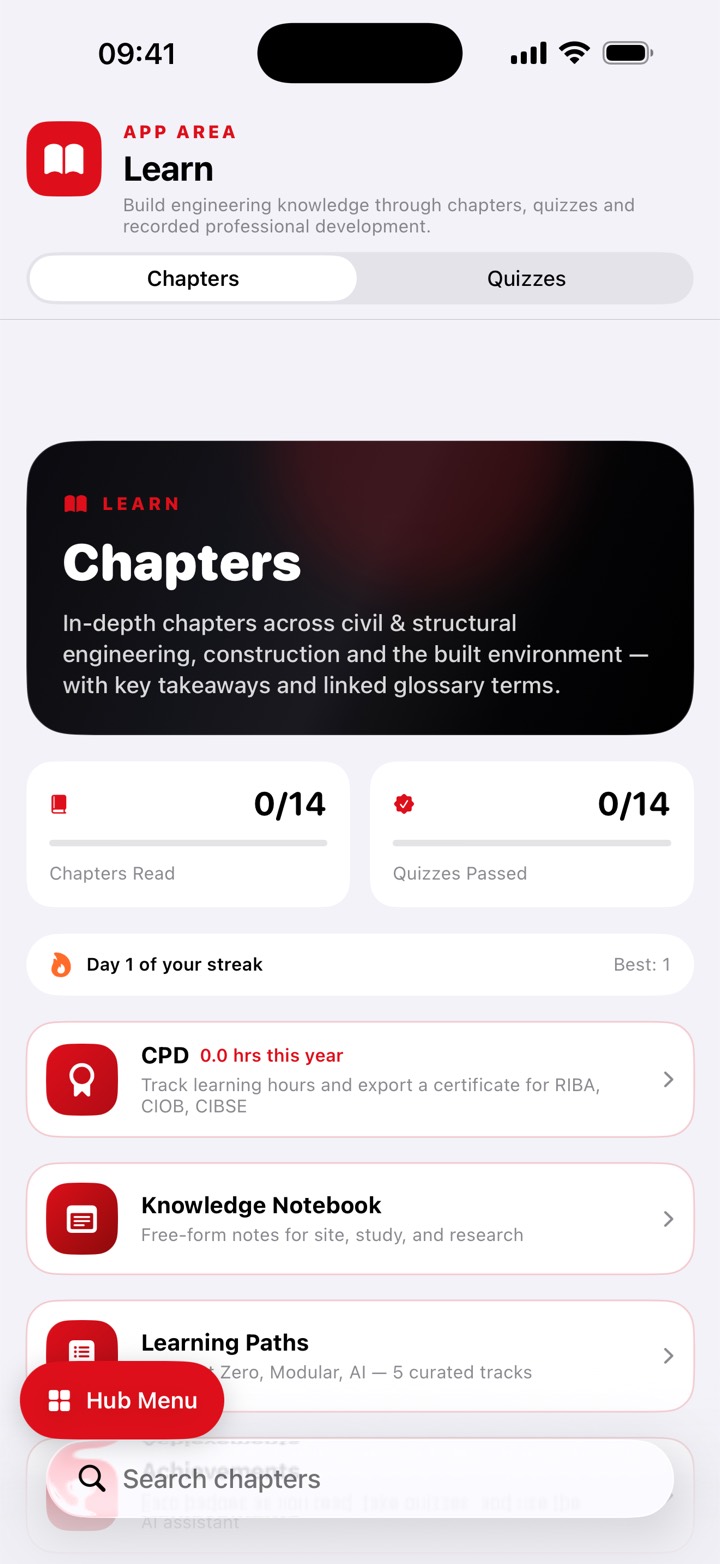
Fourteen chapters of four sections, fourteen quizzes of twenty questions, five learning paths and thirteen achievements. Glossary flashcards are scheduled by spaced repetition, ten cards a session.

  • Time is logged automatically as you read, take a quiz, review flashcards or use the assistant, and background time is excluded
  • Every logged duration records whether it was measured, estimated or entered by you, and estimates can be confirmed or corrected
  • Export an A4 vector PDF certificate with your name, role, period, total hours, the provenance of those hours and a breakdown by activity type
  • The certificate calls the hours self-recorded rather than verified, because that is what they are
  • A daily construction-industry tip widget in small, medium and Lock Screen sizes

What EDH Pocket does not do

Checked against the shipped code rather than the plan. An engineer would rather know now than in the first week.

  • The solver does no buckling, no second-order or P-delta analysis, no modal or dynamic analysis, no member releases, no shear deformation and no soil interaction. It does not check section resistance.
  • Model size is capped. It is not a substitute for a commercial analysis package on a real building model.
  • The IFC viewer only views. No measuring, no clash detection, no section planes, no markup on the model, no editing and no IFC export.
  • Pocket does not sync with the Mac hub. They are separate apps with separate stores.
  • The 2,053 steel sections do not drive the calculators. Four tools can be filled from the section tables, and only from the metric UK and EU rows; the steel beam calculator picks from its own built-in list.
  • The CPD log cannot record CPD you did outside the app. It only times activity inside EDH Pocket.
  • Ask My Notes does not answer your question inside the app. It retrieves the matching passages and builds a prompt for you to paste into the AI you use.
  • Project records cannot be exported to CSV or Excel. Exports are a JSON backup, PDF sheets and reports, and the archive package.
  • The site diary's weather field is a box you type in, not a weather lookup.
  • No Shortcuts, Siri, Action Button, Apple Watch app or Live Activity. The only extension is the daily tip widget.
  • No hold-to-talk voice mode. The assistant is typed.
  • No free tier beyond News, the Glossary and two sample calculators, and no one-off purchase. Full Access is a subscription.
  • It needs iOS 26 or iPadOS 26, and the AI will not run on every device that can install the app.
  • It is not certified engineering software and does not present itself as one. Every calculation is a design aid that a competent engineer must check and accept before issue.

Pricing

Free to download, with a two week trial.

£4.99 / month or £49.99 / year · 14-day free trial · launch pricing
  • Industry News is free forever
  • The Glossary stays reachable without a subscription
  • Two sample calculators run free, so you can judge the engine first
  • Every record you have already made stays readable and exportable if the subscription lapses

Introductory launch pricing until 1 October 2026. From then EDH Pocket rises to £9.99 / month and £79.99 / year for new subscribers. Subscribe before then and you keep the launch rate for as long as you stay subscribed.

Specification

DevicesiPhone and iPad
RequiresiOS 26 or iPadOS 26
Calculators54 tools, 188 individual design checks
SolverFirst-order linear elastic 3D frames, on the device
AIApple's on-device model; needs supported hardware
OfflineEverything except the optional industry news feeds
SyncYour own private iCloud, between your own devices
ExportsPDF sheets and reports, JSON backup, archive package

Screens

The engineering desk, on a phone.

Tap any of these to see it full size. These are the app as it ships.
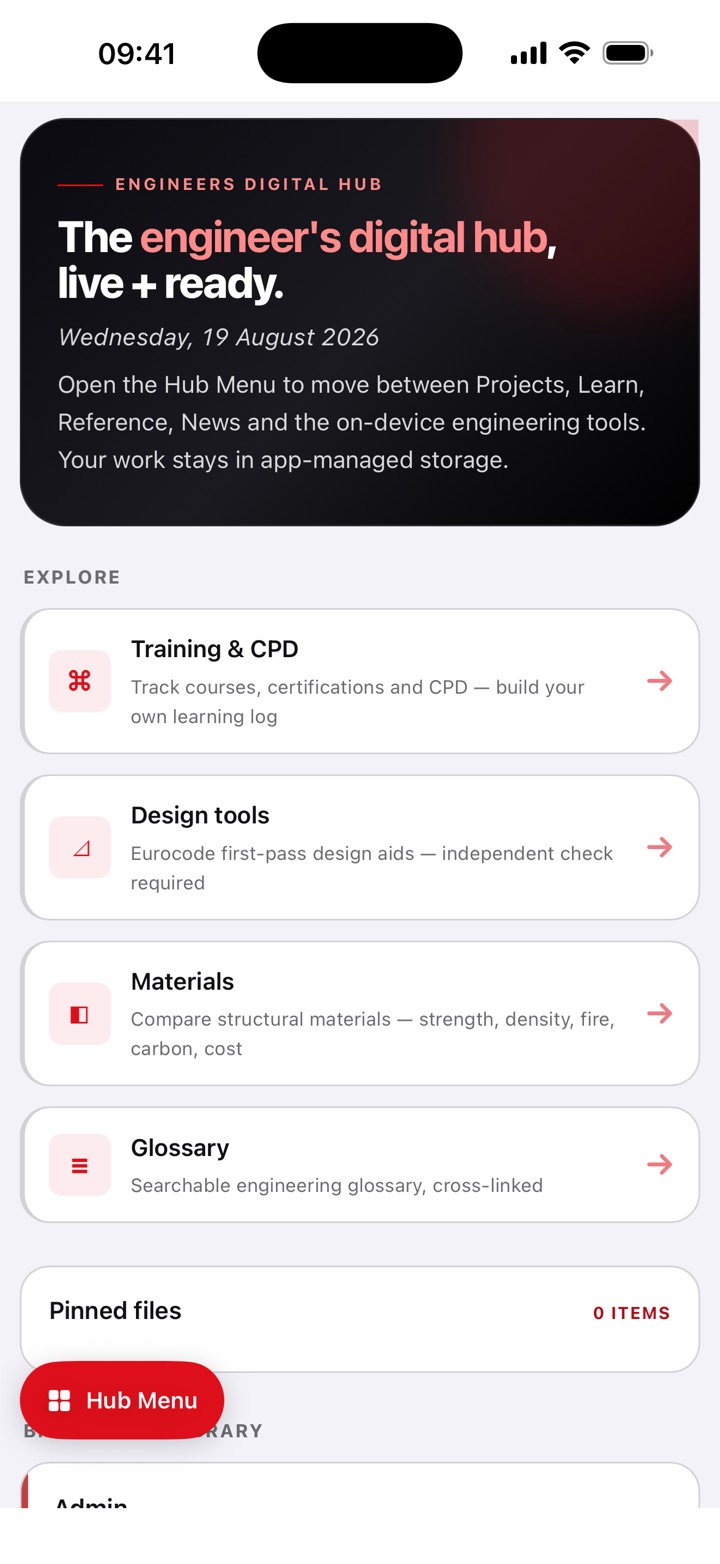
EDH Pocket hub home
The hub, with everything one tap away
The tools screen
The calculators, grouped by material
A design calculator
Full working, the clause, and a verdict
Steel section reference tables
2,053 steel sections, offline
Reference tables in EDH Pocket
Timber, concrete and materials data
Project records in EDH Pocket
Registers, to-dos and project records
The learning area
Chapters, quizzes and CPD, logged as you go
Industry news in EDH Pocket
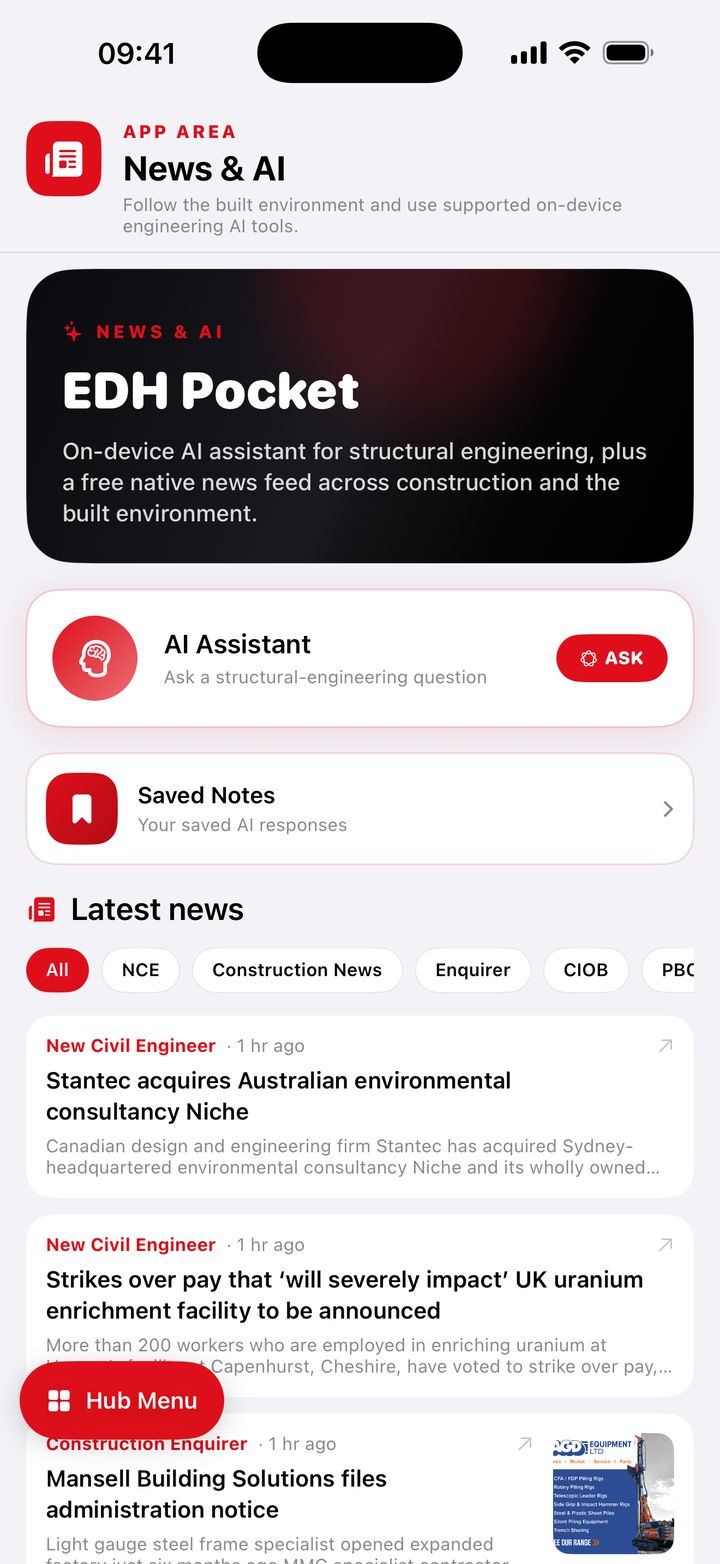
Industry reading, free forever