Capture the visit
Add observations, photographs, measurements, sketches and voice notes. Record building, level, grid and element so the next person knows exactly where to look.


Seen on Site: Construction
From the first observation to the issued report. Capture the evidence, record the location and give every action an owner.
iPhone · iPad · Mac
Works with no signal. No account required. Optional record sync through your own iCloud. Save or share exported reports and files to OneDrive or another cloud service set up on your device.

Keep the details with the evidence.
19report types
6export formats
QRlabels for return visits
Offlinewhere the work happens
A clear trail through the job
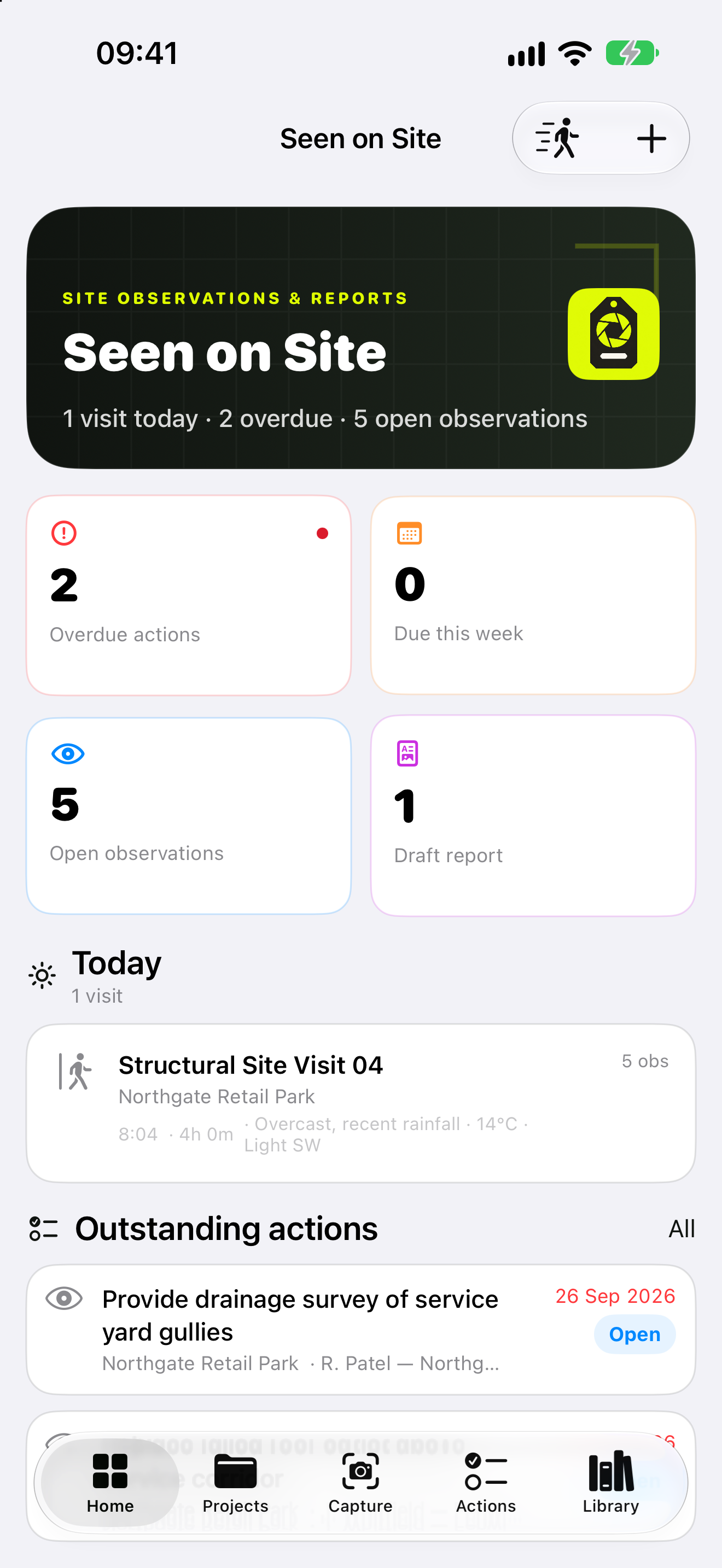
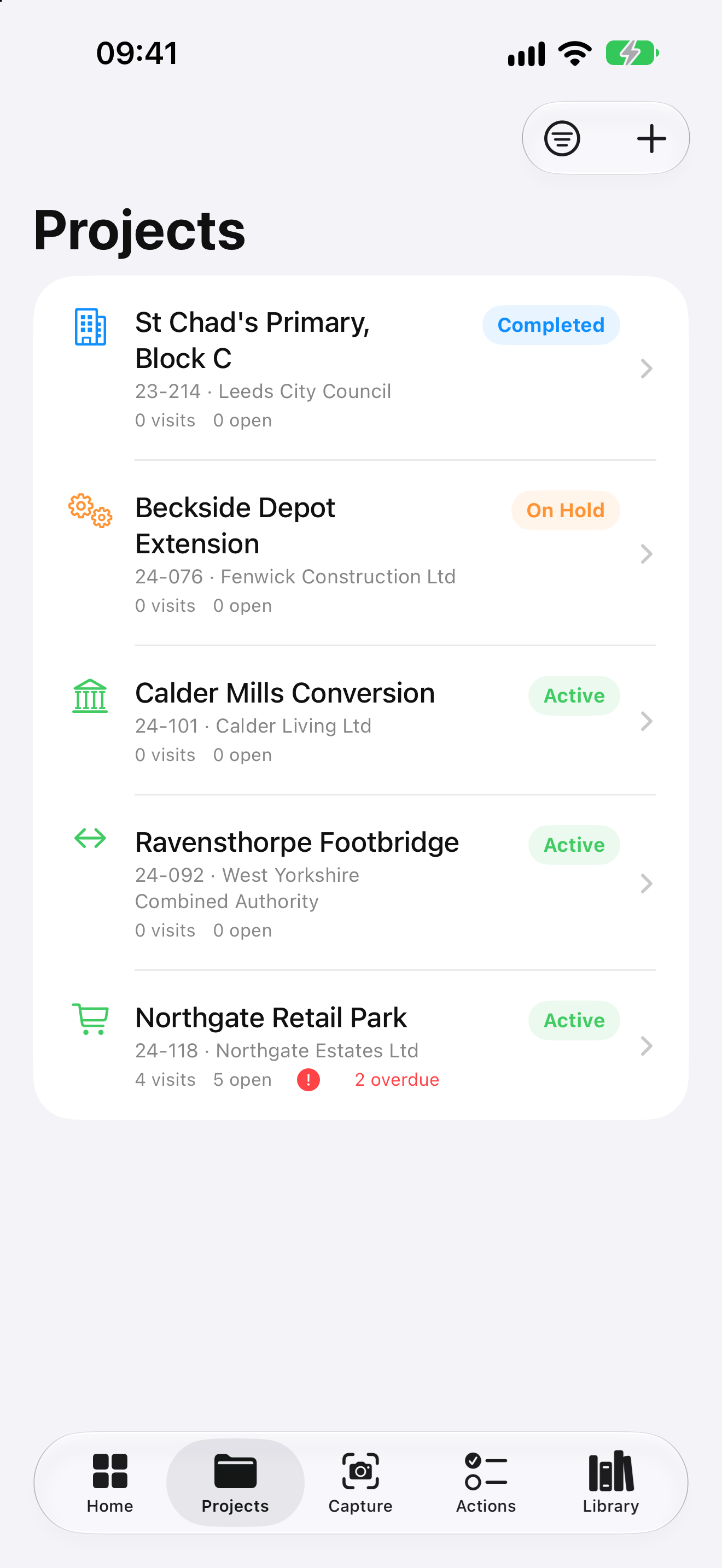
For construction inspections, condition surveys and site visits. Keep observations, evidence and actions together in the project they belong to.
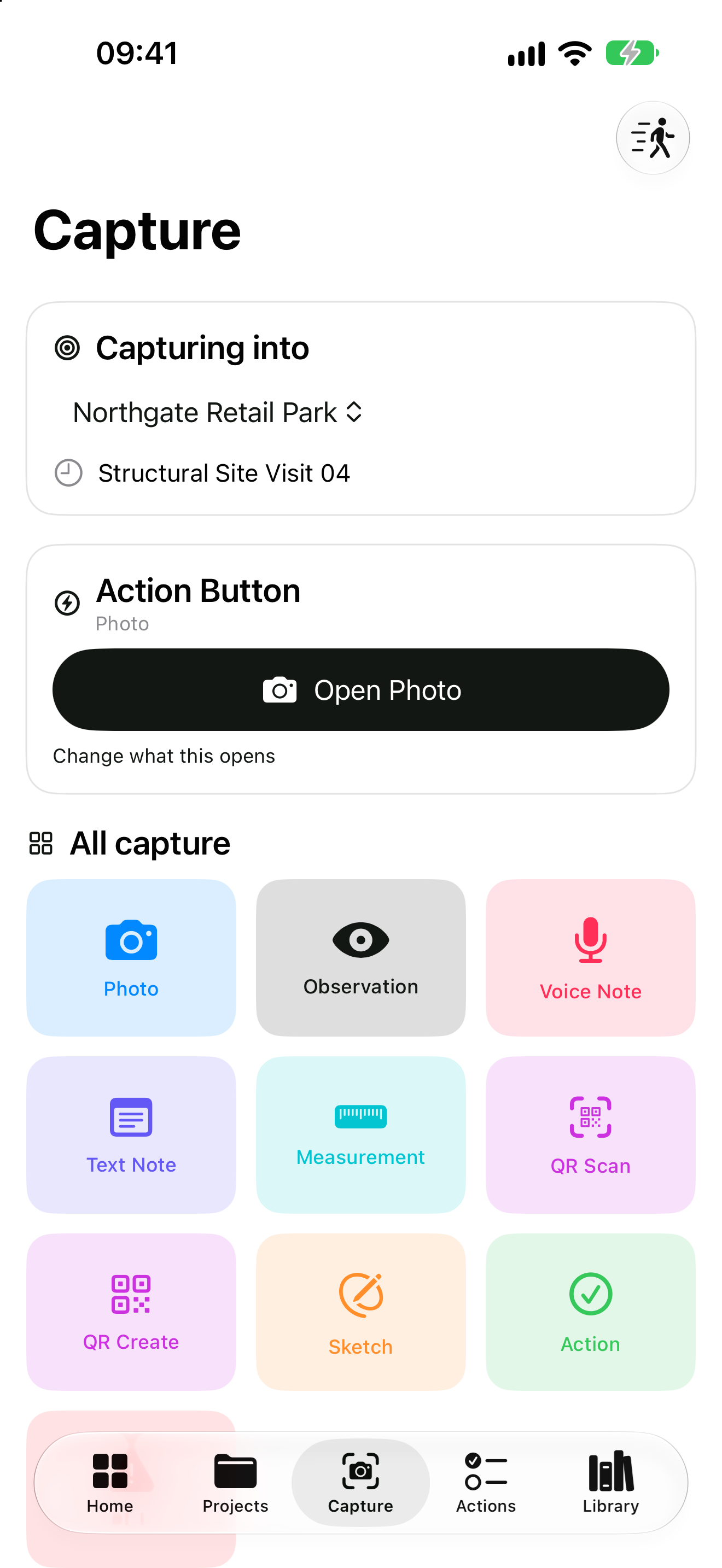
Add observations, photographs, measurements, sketches and voice notes. Record building, level, grid and element so the next person knows exactly where to look.
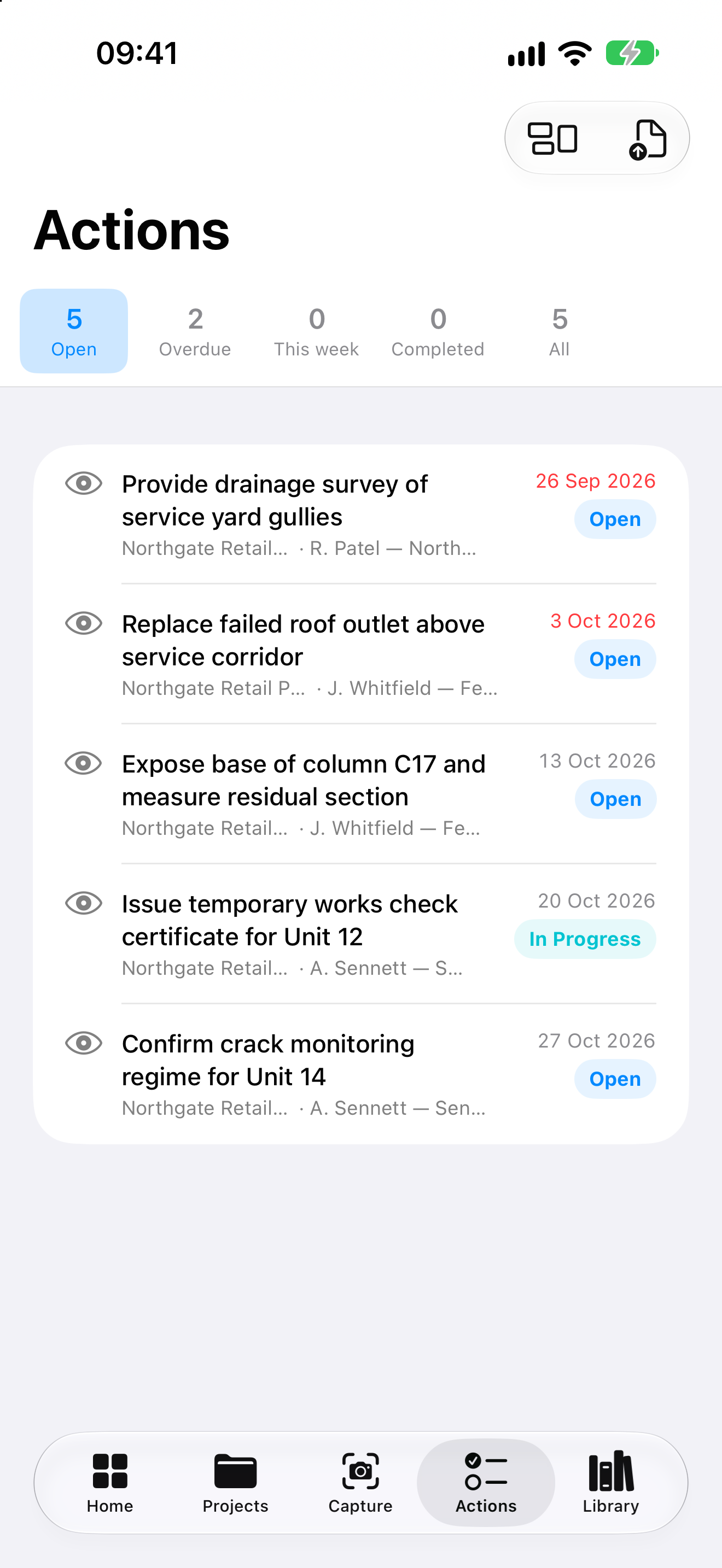
Give records a reference, status and priority. Pin observations to imported drawings and raise actions against a named person and a due date.
Bring the visit into a report with authorship, signatures and revision history. Export the copy your client needs and keep the underlying record.
The visit, written up
Choose from 19 report types, including site visits, structural inspections, condition surveys and dilapidations. Review the wording, add signatures and issue the revision you intend.
Use your business profile for company details, professional registration, footer text and accent colour. Edit report wording without changing the original visit record.
The ZIP brings reports, registers and project files together for handover. It is not an importable backup.

The label stays with the item.
The observation stays with the record.
Leave a route back
Attach a label to the element on site. Scan it in Seen on Site to return to a record held on that device, review the observation and add a follow-up.
Anyone with a phone camera can read the summary carried in the label: what the item is, where it is, its reference, when it was recorded and who to contact.
The summary is packed into the part of the address after #. The reader unpacks it in the browser; that summary is never sent to our server. Photographs and full reports are not inside the code.
Already printed EDH Field labels remain supported.
At the desk, too
Use the Mac app to organise projects and write up reports. Switch on optional iCloud sync to carry structured records between your own devices. Photographs, audio, sketches and documents stay on the device that holds them; share those through exports.
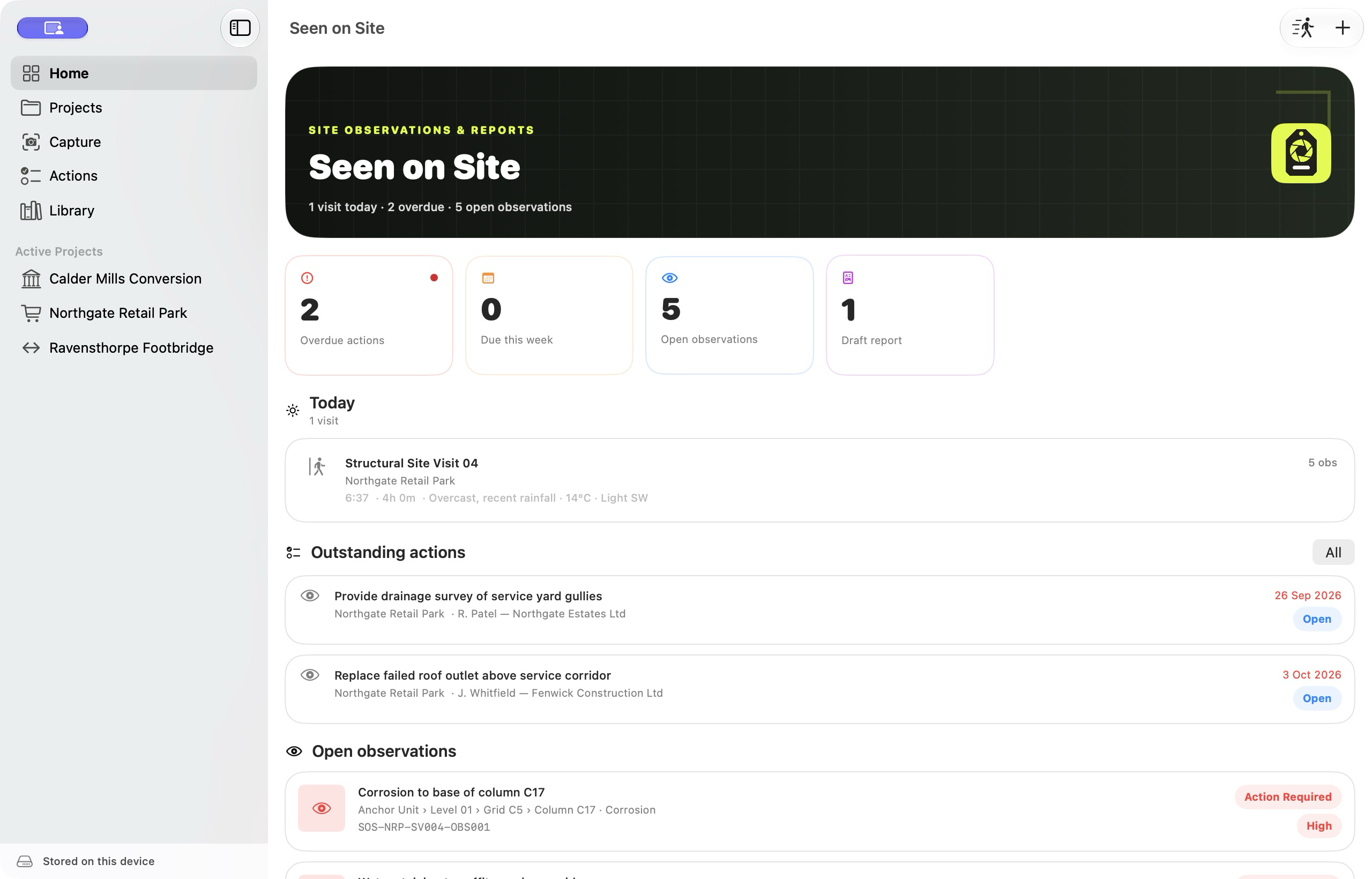
Seen on Site: Construction
Coming soon to the App Store for iPhone, iPad and Mac. We are preparing the app for release.
Free to download, with 14 days of full use on a new installation. Then choose Full Access to start new projects and visits. Existing records stay readable and exportable.
Ask about the launchOpens your email app. Send the message to contact us.
FULL ACCESS
One purchase covers iPhone, iPad and Mac on the same Apple Account. Subscriptions include a 14-day free trial for eligible new subscribers.
UK prices. The App Store shows the price and eligibility for your account before you buy.
Before you head out
Yes. Seen on Site has its own name and yellow evidence-tag identity, focused on construction records, inspection reports and QR labels. Existing records and printed labels remain supported.
Yes. Record the visit and prepare reports offline. Optional iCloud sync, cloud uploads, Apple Maps tiles and App Store purchases need a connection. There is no account to create with us.
If you switch it on, structured records use your own private iCloud account. Sync is off by default. Photographs, voice recordings, sketches, drawn signatures and imported documents stay on the device that holds them.
People who visit construction sites, record conditions and issue inspection reports, including consulting engineers, surveyors and site teams. The app supports your record keeping; outputs still need professional review and judgement.
Seen on Site focuses on records and reporting. It does not include an IFC viewer, a design calculator suite or 3D scanning. Explore Engineers Digital Hub for engineering tools.