
AI prompts library
Hundreds of ready-to-use prompts for everyday engineering tasks — copy, tweak and paste into your AI of choice.
For structural & civil engineers
AI prompts, an engineering knowledge base, quick calculators, drawing mark-up and project records — one offline app that speeds up everything around your design software. A hub and prompt assistant, not a replacement for it.
100% offline · your data stays on your device · no account required
Everything in one place
Hundreds of ready-to-use prompts for everyday engineering tasks — copy, tweak and paste into your AI of choice.
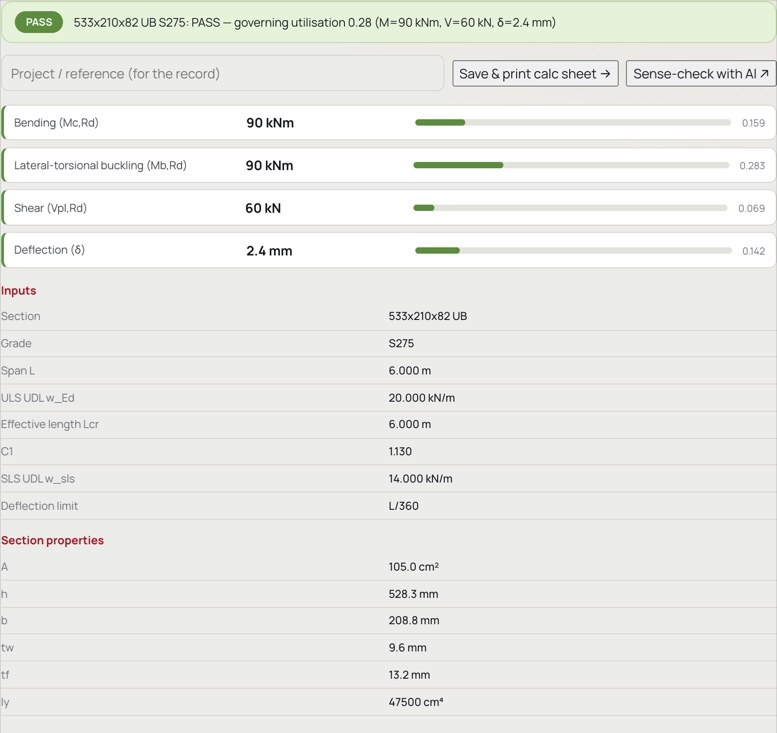
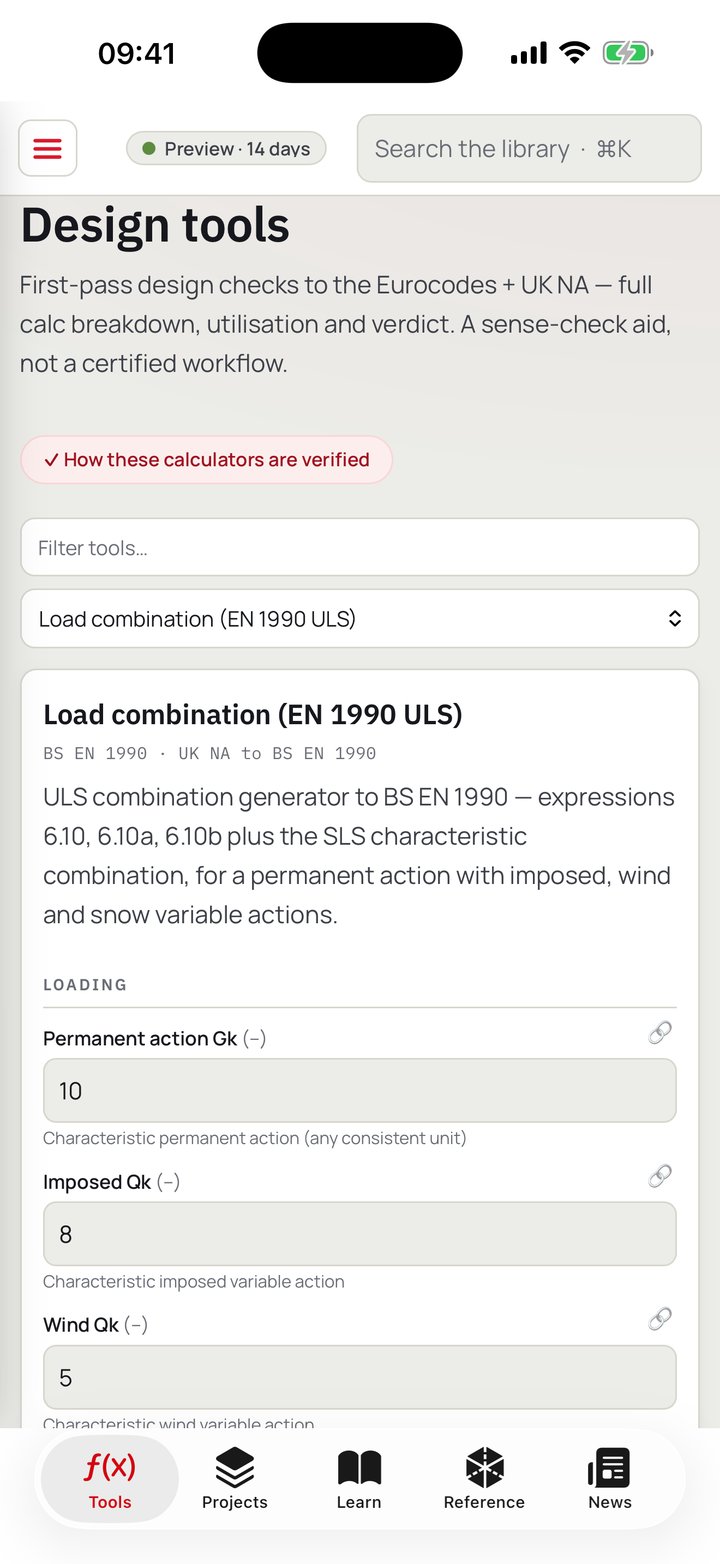
34 structural design checks for fast sense-checks — full working and a clear pass / fail.
Standards, methods and worked precedent, searchable and at your fingertips.
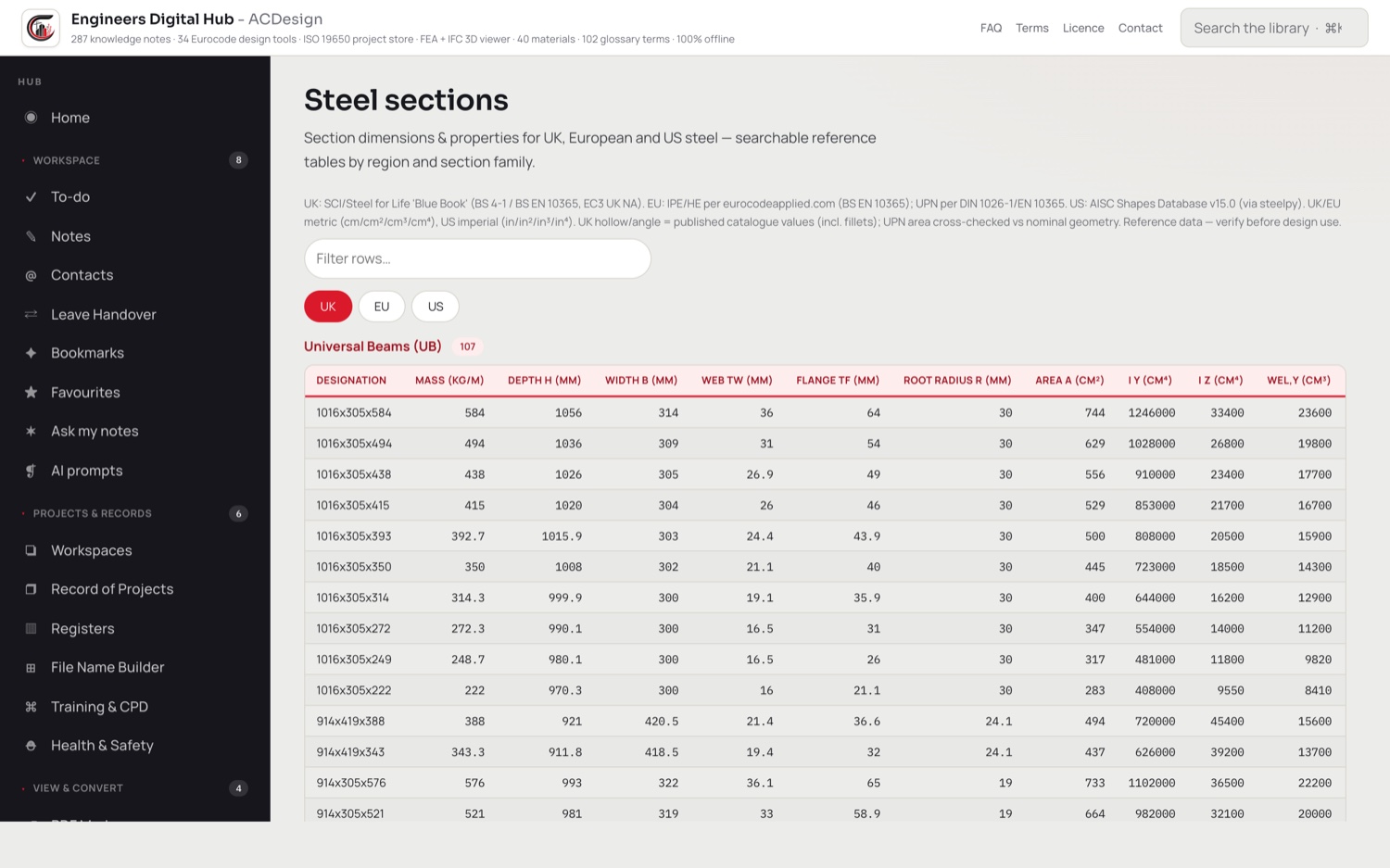
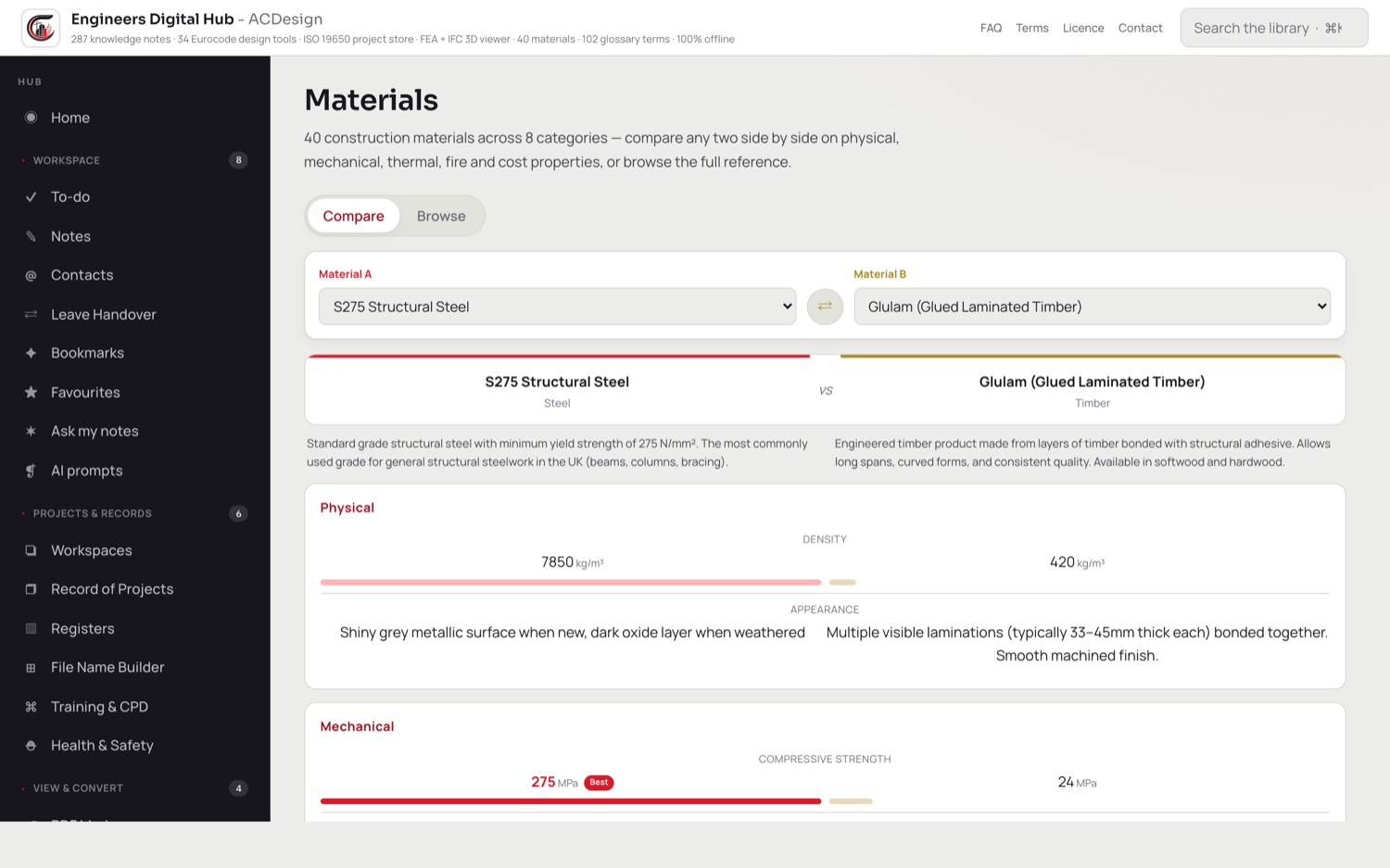
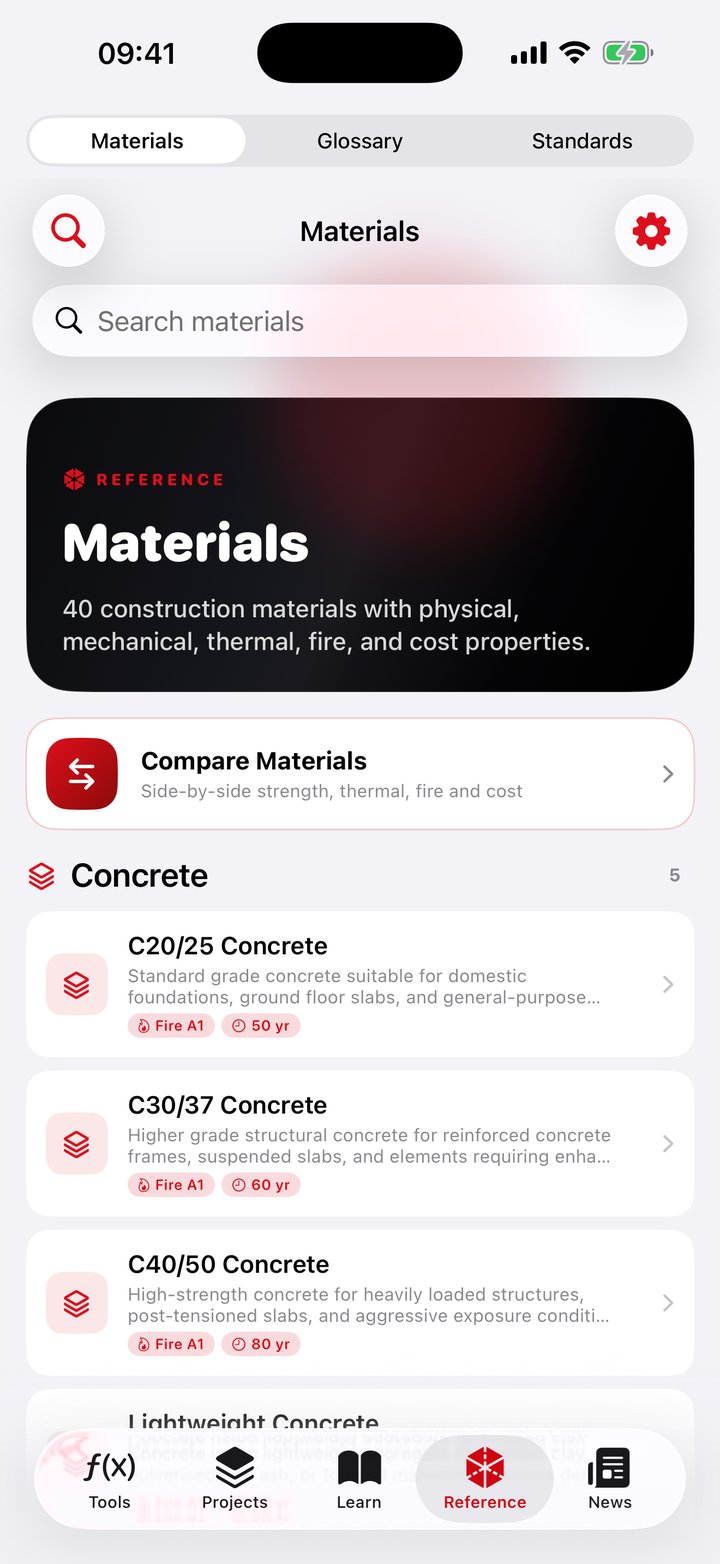
Steel, timber and concrete section data, materials and a glossary — the numbers you look up all day, built in.
Open and review IFC models for a quick look — no heavyweight BIM suite needed.
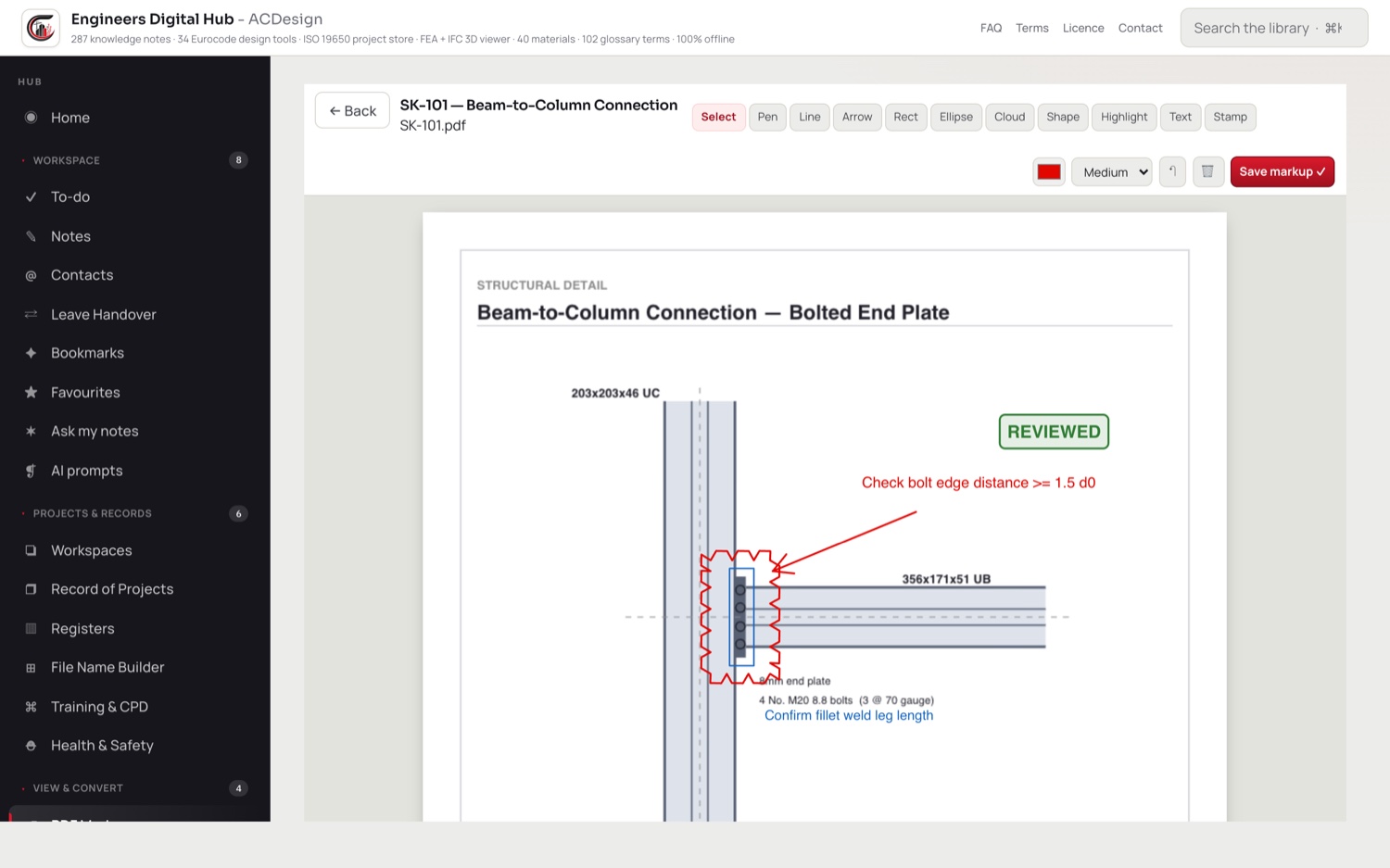
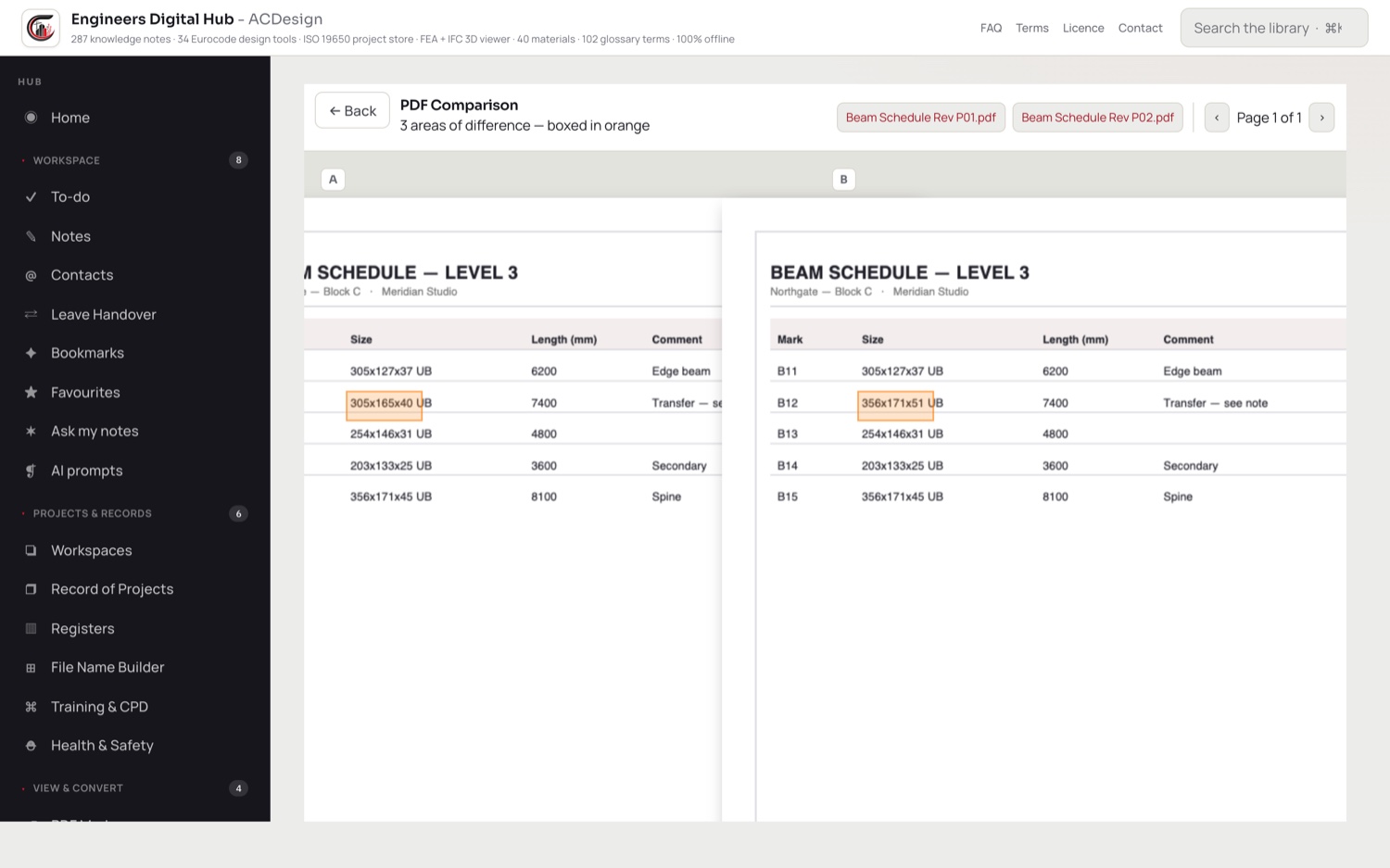
Redline drawings and spot the revisions between two issues, side by side.
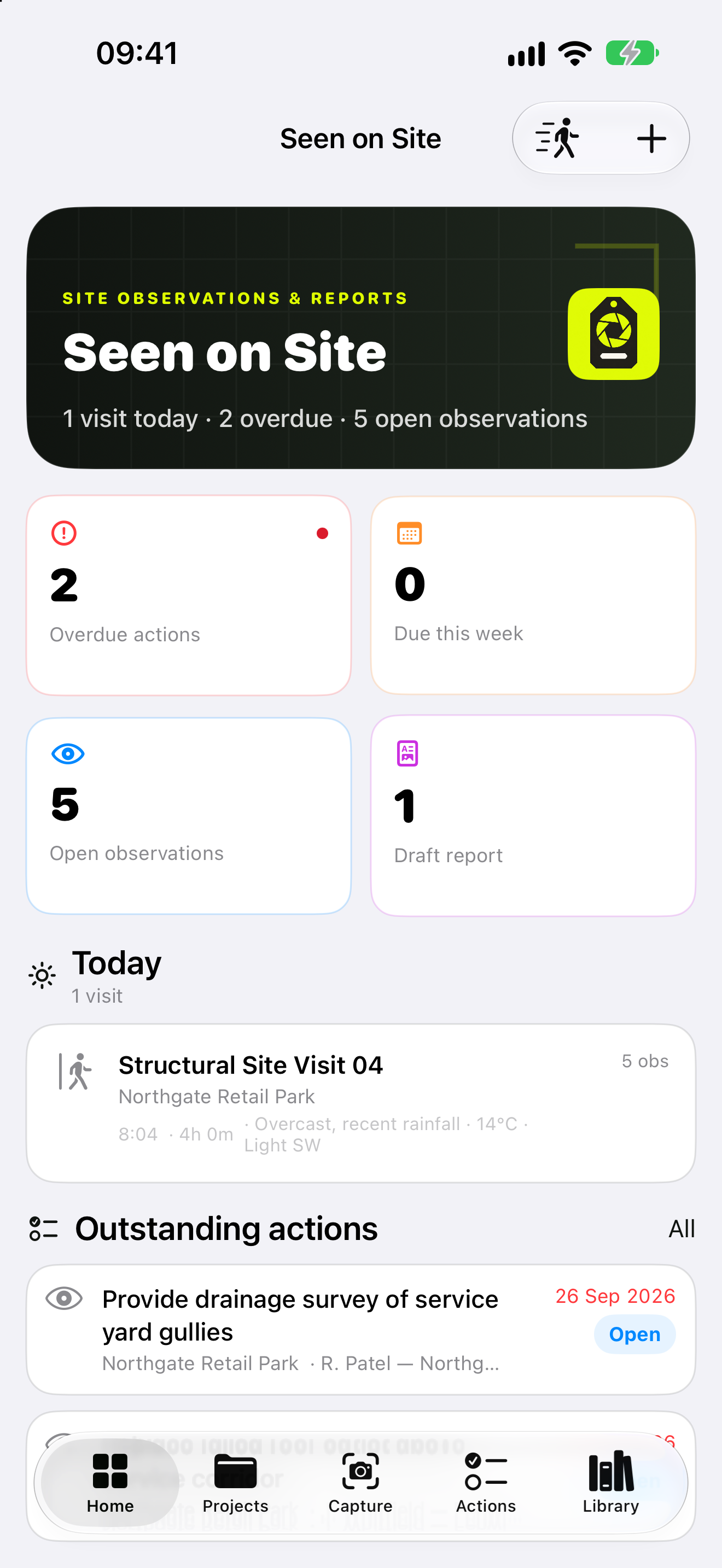
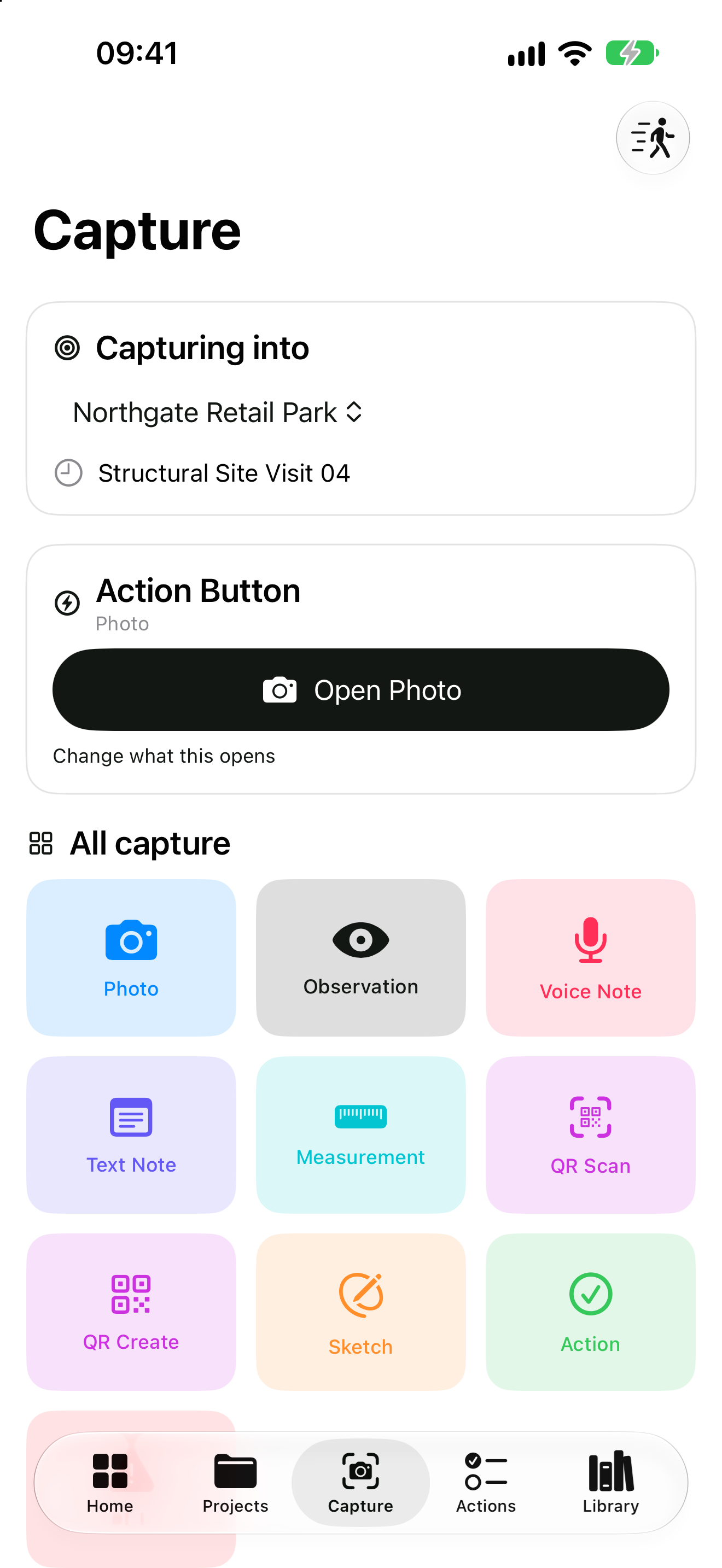
Capture site photos and pull text straight off a scan or drawing.
To-dos, notes, registers and project records — keep the day's admin in one place.
No cloud and no account — your projects stay confidential on your device.
Put your practice's logo and accent colour on the app and every calc sheet.
Calculations
Every check shows its full working, the clauses it draws on, and a plain pass / fail verdict — then exports to a branded calc sheet ready for the file.

Reference at your fingertips
Steel, timber and concrete section properties, a materials library and a glossary — searchable and offline, so you're not digging through PDFs or the blue book mid-calc.


Drawings & documents
Redline a drawing with clouds, arrows, notes and stamps, then compare two revisions side by side to see exactly what changed — and OCR a scan when you need the text back.


A look around


The hub layer
Beyond the headline tools, EDH keeps the admin, records and reference that surround every project — all offline, all in one place.
Tasks and reminders
Quick and project notes
Your project address book
Group work by project
Hand work over cleanly
A log of every job
Risk, change & design registers
Consistent, standard names
H&S files and records
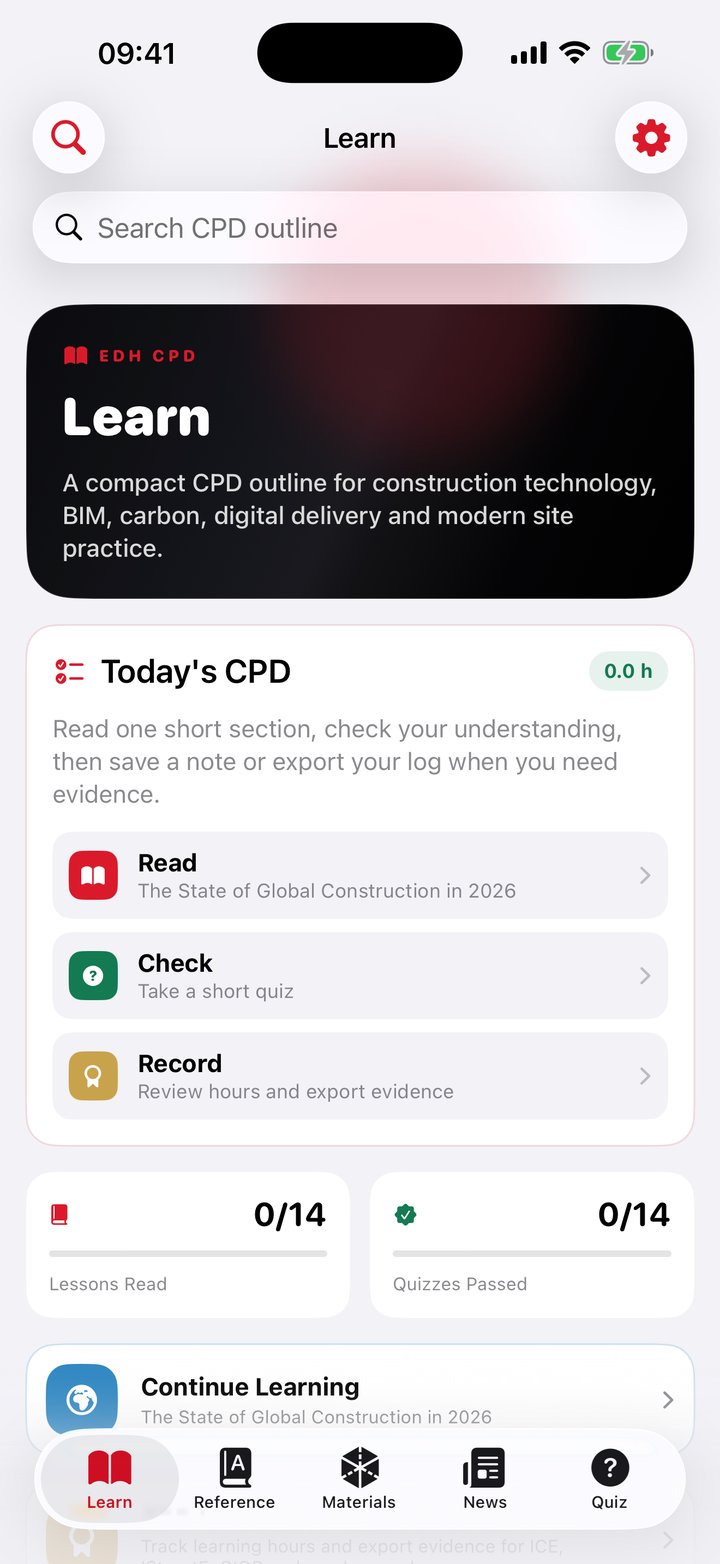
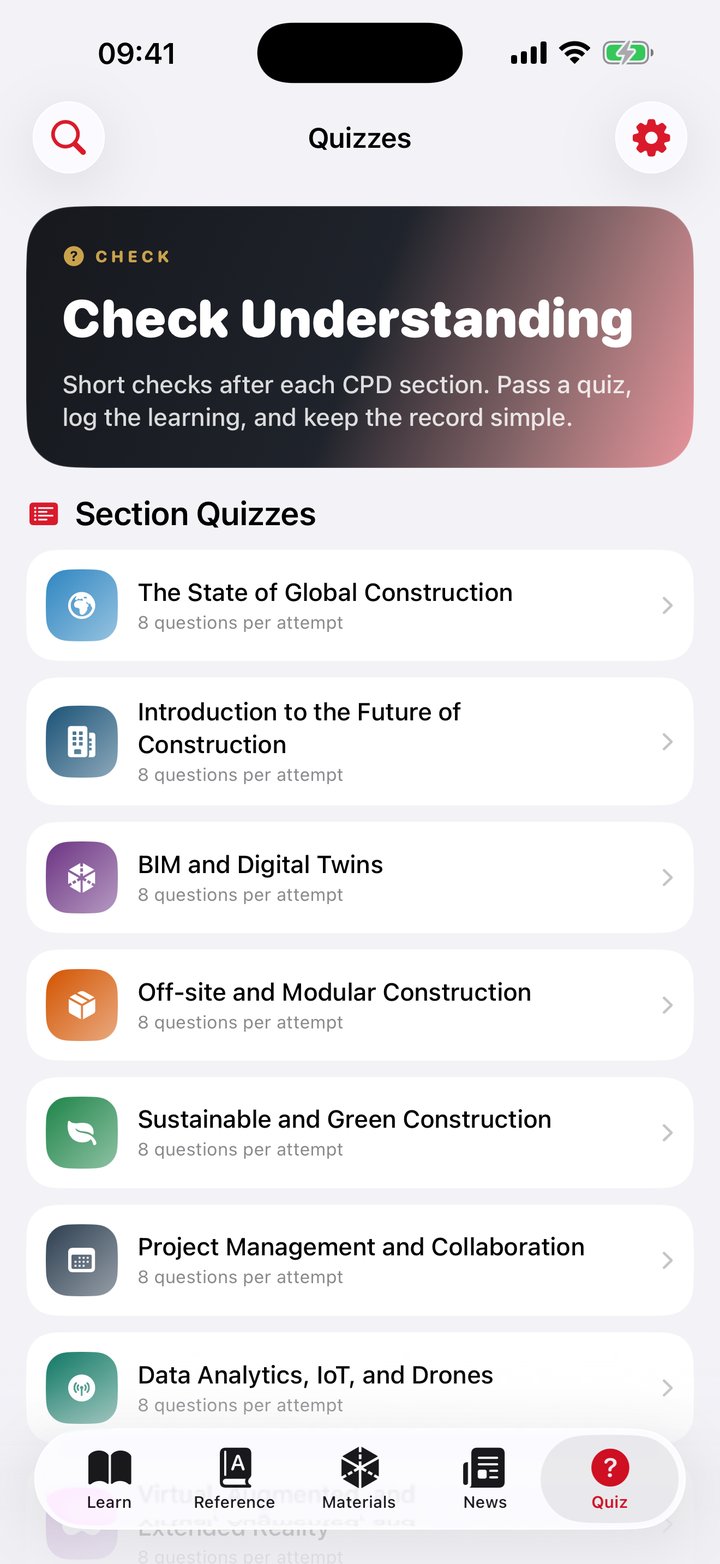
Log CPD, keep training to hand
250+ curated engineering links
Pin what you use most
Search across your own notes
Site photos, organised
For practices & teams
Ten minutes a day lost to chasing references, refinding downloads, working around cloud access, rebuilding calcs and marking up adds up to roughly a working week per person, every year. Engineers Digital Hub gives that local place on your machine, like a toolbox to assist with the task.
Pricing
Every tool, free for 14 days.
After your trial, a simple per-user subscription — monthly or annual (the annual plan saves you about two months) — billed through the App Store or Microsoft Store. Cancel anytime in your store account.
Introductory launch pricing. It rises for new subscribers in Q4 2026 — subscribe before then and you keep the launch rate for as long as you stay subscribed.
Not live yet — get in at the launch price.
We'll email you the moment it launches — in time to subscribe before the price rises. No spam.
Questions
Yes — completely. There's no internet connection or account needed to use any tool, and your work is saved locally on your device.
macOS via the Mac App Store and Windows via the Microsoft Store. Both are launching shortly — leave your email and we'll let you know the moment they're live.
Everything stays on your device. We don't run servers, we don't collect your project data, and there's nothing to sync to the cloud.
Every check shows its full working and the clauses it draws on, so it can be independently reviewed and signed off. The calculators follow recognised structural design codes, including the Eurocodes.
Yes — a 14-day free trial with every tool unlocked, then a simple per-user monthly or annual subscription through the App Store or Microsoft Store (introductory launch pricing, rising for new subscribers in Q4 2026). Manage or cancel anytime in your store account.
Yes — add your practice's logo and accent colour, and it appears across the app and on every calc sheet you export.
For Mac and Windows. 14-day free trial, fully offline.